 FASTIMG
 English
free AI image editor · prompt-driven
Edit images by typing,
a free AI image editor
Free forever · Unlimited use · No signup · No watermark
FastImg is a free AI image editor: upload an image and edit it with one prompt after another. Each step builds on the last, so your subject stays consistent, every version is one click back, and you can stop a render anytime.
Drop an image, then describe your change… Start ↵ Generate from text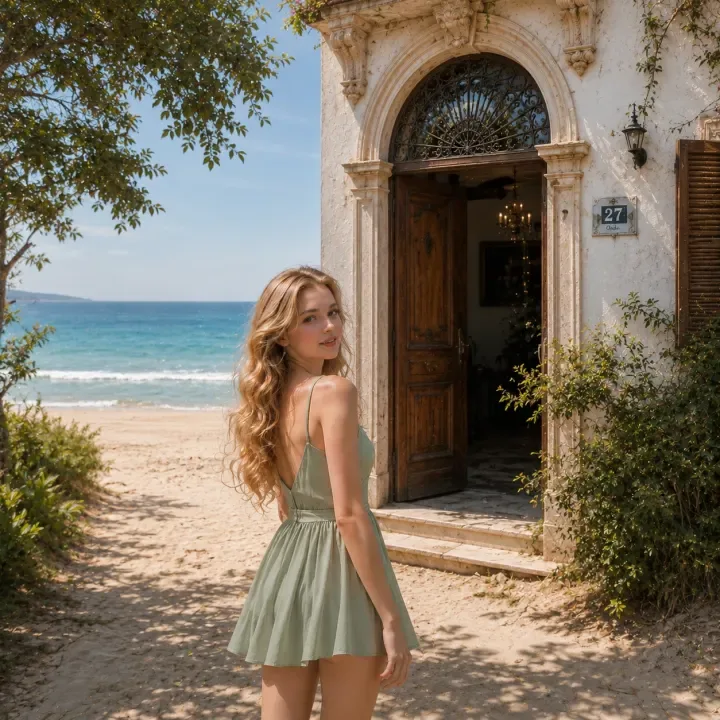
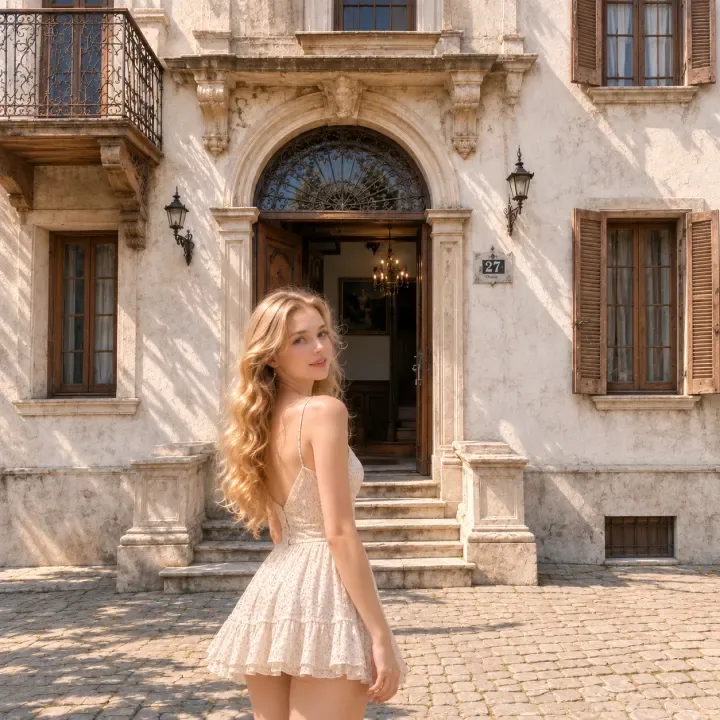
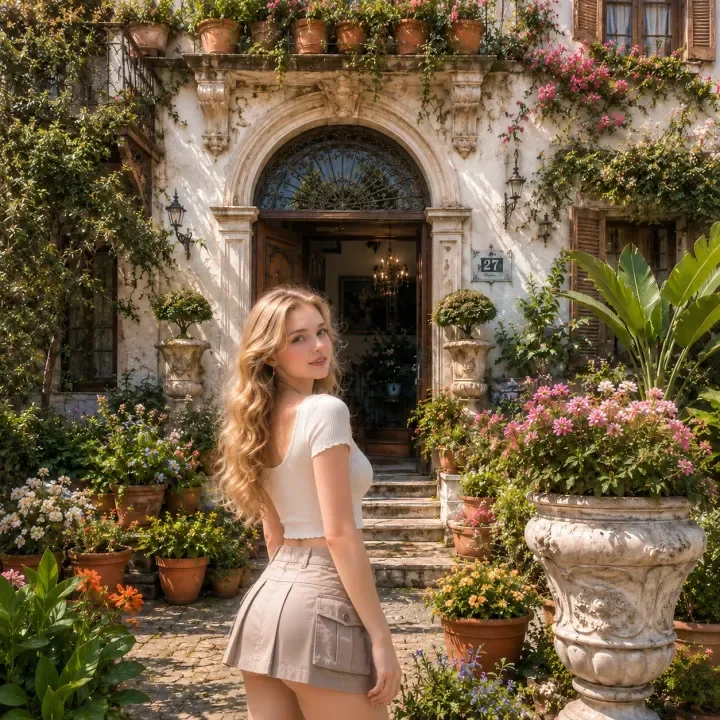
Original
What is FastImg?
Start with a photo, or generate from text and keep editing with prompts. FastImg is a free online AI image editor that edits existing photos with text prompts. Upload an image, describe the change you want, refine the same subject through unlimited editing steps, and export the result as a PNG without creating an account.
How the AI image editor builds on each edit
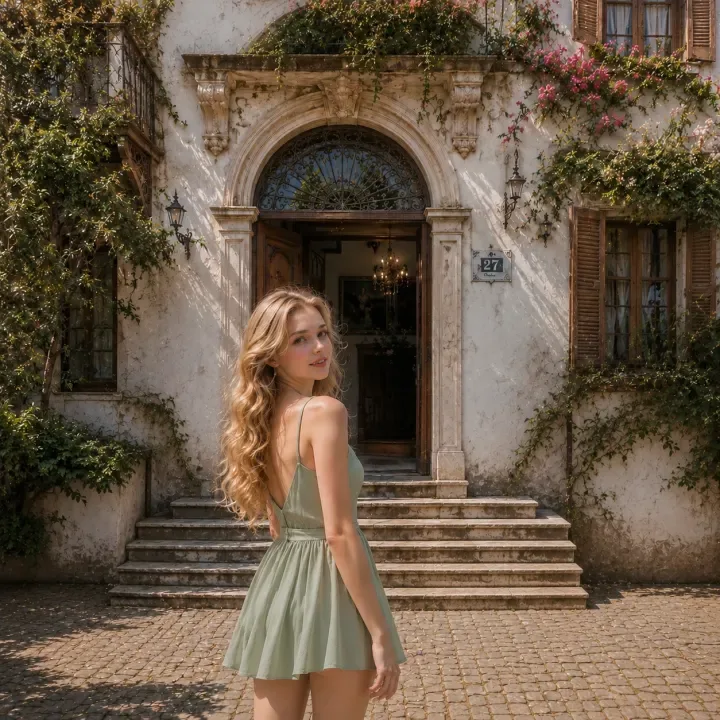
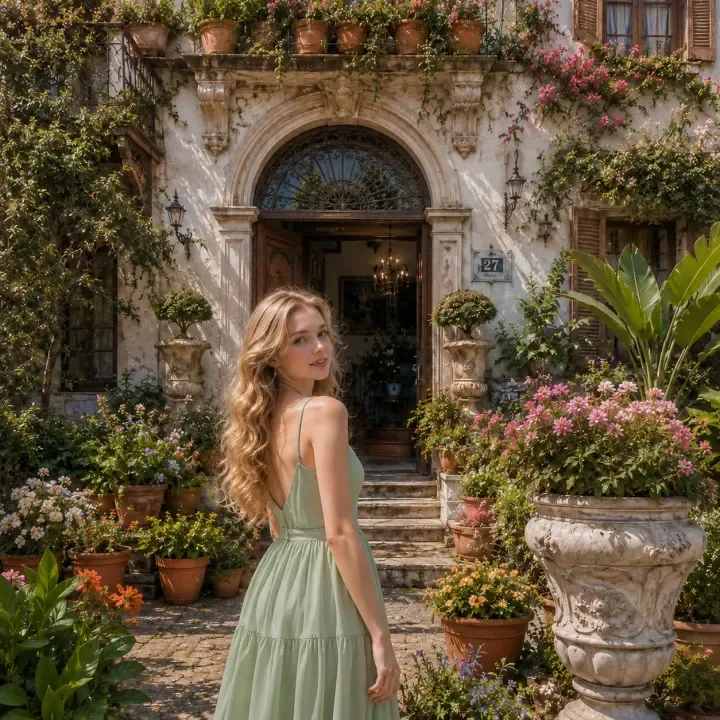
0 1 2 3 4 The subject stays consistent: you only describe what to change this time. Click any frame to go back and branch a new edit from there.
How to edit an image with AI prompts
- Upload an image
- Type the edit you want
- Generate the AI edit
- Undo, revisit, or branch from any previous version
- Export the final image as a PNG
Generate and edit tools
Built for continuous AI photo editing
What can you edit with FastImg?
- Replace or change photo backgrounds
- Remove unwanted objects
- Add objects to an image
- Change clothes, hairstyle, lighting, or season
- Restyle portraits and product photos
- Create social media, ad, product, and creative visuals
FastImg vs image-to-image generators
Most image-to-image generators create one new result from your input and a prompt in a single pass. Across several rounds the subject, composition, and details drift, and there is no history to fall back on. FastImg is built for continuous editing instead: every step builds on the previous result, keeps an editing chain you can undo and branch, and holds the subject consistent while you keep refining.
Privacy and image handling
- No account required
- Your timeline lives in the browser tab
- Close the tab and the timeline is gone
- Images are sent only to produce each edit
Supported formats and export
Frequently asked questions
Is FastImg free to use?
Yes. FastImg is free forever, with unlimited AI image edits, no signup, and no install.
Do I need to create an account?
No. You can upload an image, edit it with prompts, and export the result without creating an account.
What is the difference between FastImg and image-to-image generators?
FastImg is built for continuous editing. Instead of generating a separate new image from the same input each time, each edit builds on the previous result, so you can refine, undo, branch, and keep the subject consistent.
What image edits can I make with prompts?
Change or replace backgrounds, remove unwanted objects, and add elements. Change lighting, clothing, hairstyle, or season, restyle portraits and product photos, and create social, ad, and creative visuals.
Can I undo an edit or branch from an earlier version?
Yes. The timeline keeps each step, so you can go back to an earlier version and branch a new edit from there.
Does FastImg store my images?
No account is required, your timeline lives in the browser tab, and images are sent only to produce each edit. Close the tab and the timeline is gone.