 FASTIMG
 English
text to image
Free unlimited AI image generator — no signup, no watermark
Free forever · Unlimited use · No signup · No watermark
Type what you want to see and FastImg generates it. The result lands on the same editing timeline as an uploaded photo, so you can keep changing it with prompts, step back to any version, and download a PNG.
- FastImg runs in your browser, with nothing to install.
- Your result downloads as a PNG.
- No account is required.
Images generated with FastImg
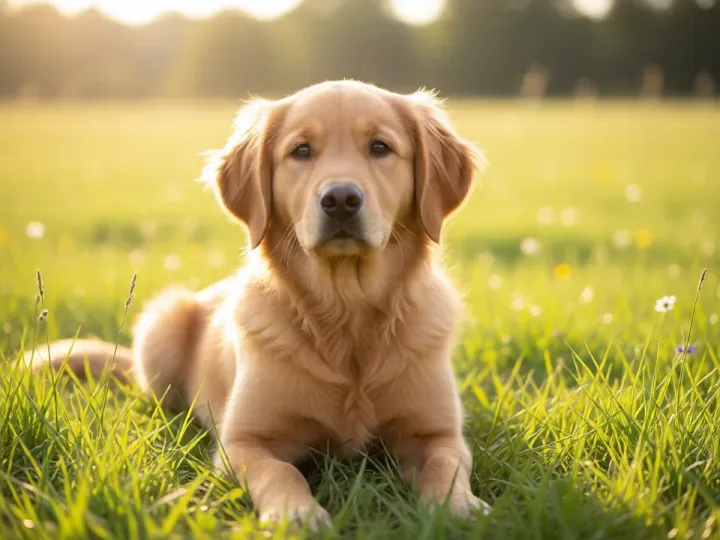
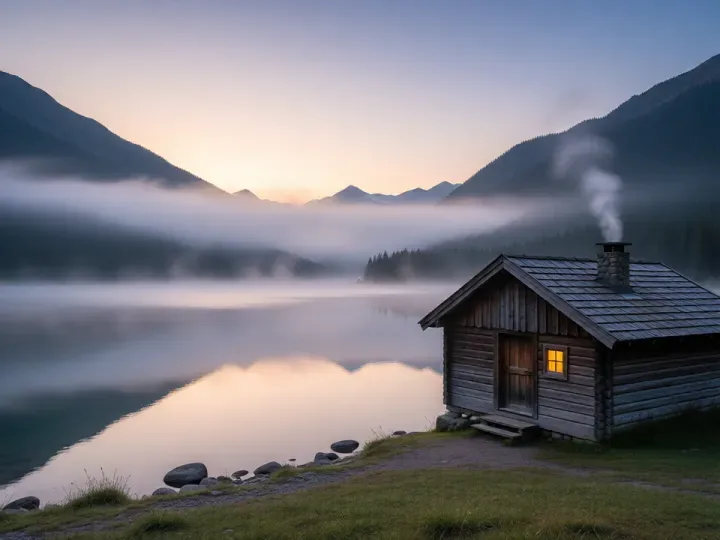
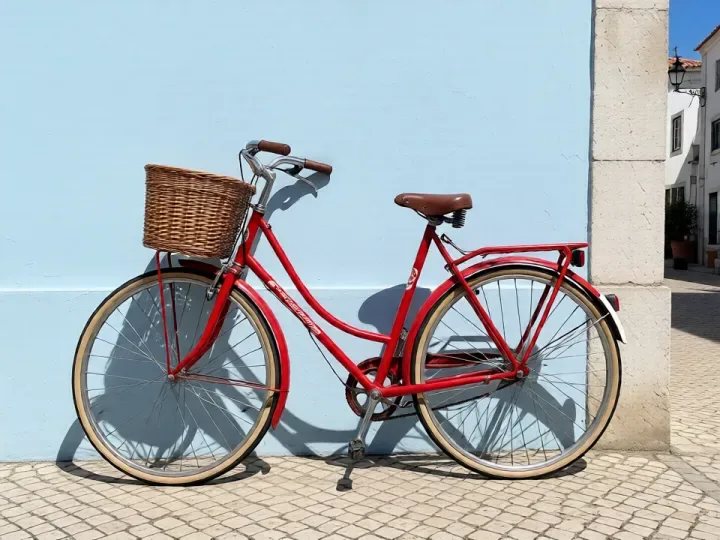
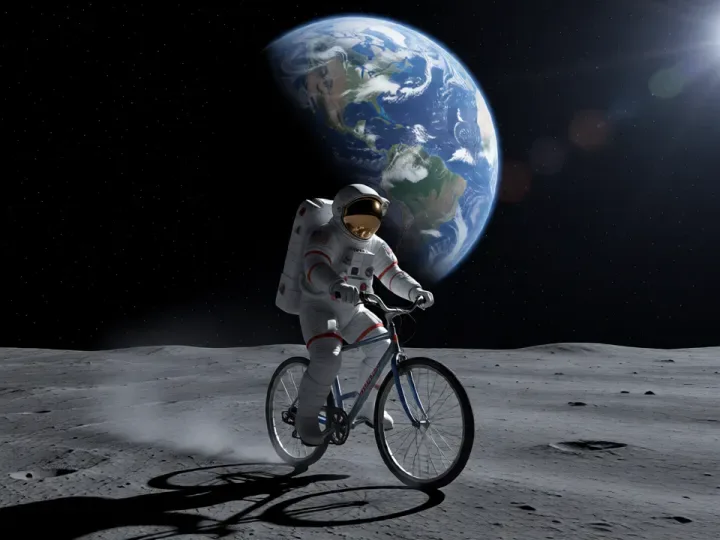
Each image below was generated in FastImg from the prompt shown, with no photo uploaded.
How to generate an image from text
- 1. Describe the image you want.
- 2. Select Generate.
- 3. Keep editing with prompts, undo any step, or branch from an earlier version.
Generate images from text
Start with nothing but a sentence. Describe the subject, the setting, and the mood, then select Generate. FastImg turns the prompt into an image and places it on your timeline as the first version.
Keep editing after you generate
A generated image is not the end of the line. Type the next change, such as a different background, another outfit, or an added object, and each edit builds on the previous result instead of starting over.
Undo any step or branch from an earlier version
Every generation and every edit stays on the timeline. Click any earlier version to go back, then branch a new direction from there without losing the versions you already have.
Free forever
FastImg image generation is free, and there is no paid tier waiting behind it. There is nothing to unlock and no trial that runs out.
Unlimited generation
Generate as many images as you need and keep refining them. There is no daily quota, no counter, and no credit balance to top up.
No signup
There is no account to create and nothing to install. Open the page, type a prompt, and generate.
Download without a watermark
Every version downloads as a PNG with no FastImg logo, text, or overlay added.
Frequently asked questions
Is FastImg really free forever?
Yes. FastImg image generation and editing are free forever, with unlimited use and no signup required.
Does FastImg add a watermark?
No. FastImg does not add a watermark to generated or edited images.
Can I edit an image after generating it?
Yes. The generated image sits on the same timeline as an uploaded photo, so you can keep changing it with prompts, compare before and after, and go back to any version.
Do I need to upload a photo to generate an image?
No. Describe what you want and select Generate. If you would rather start from a photo, upload one instead and edit it with prompts.
What format is the download?
PNG. Any version on the timeline can be downloaded, not only the latest one.