 FASTIMG
 日本語
AI画像エディタ · プロンプト駆動
入力するだけで画像編集、
無料のAI画像エディタ
永久無料 · 無制限 · 登録不要 · 透かしなし
FastImg は無料のAI画像エディタ。画像をアップロードし、プロンプトを重ねて編集します。各ステップは前の結果に積み重なり、被写体は一貫したまま、どのバージョンもワンクリックで戻れ、生成はいつでも中断できます。
画像をドロップして、変更内容を入力… 開始 ↵ テキストから生成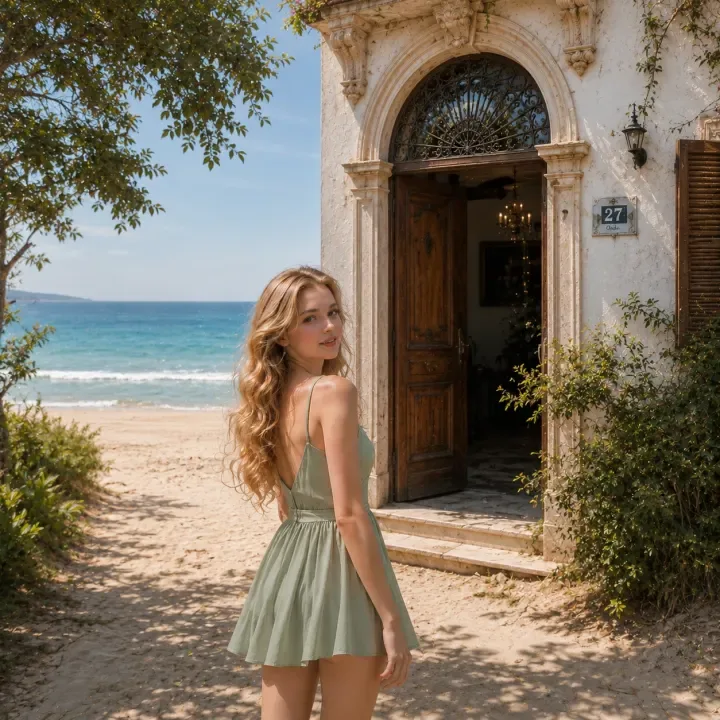
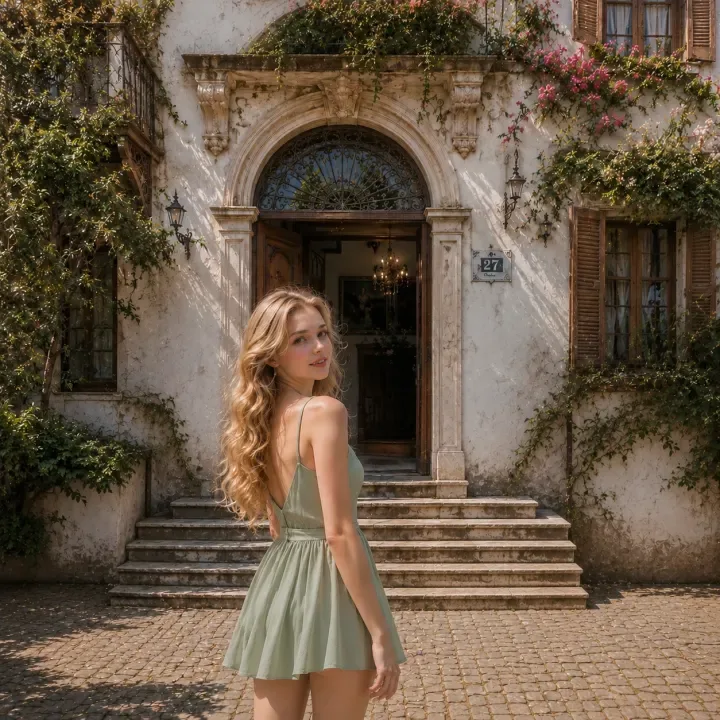
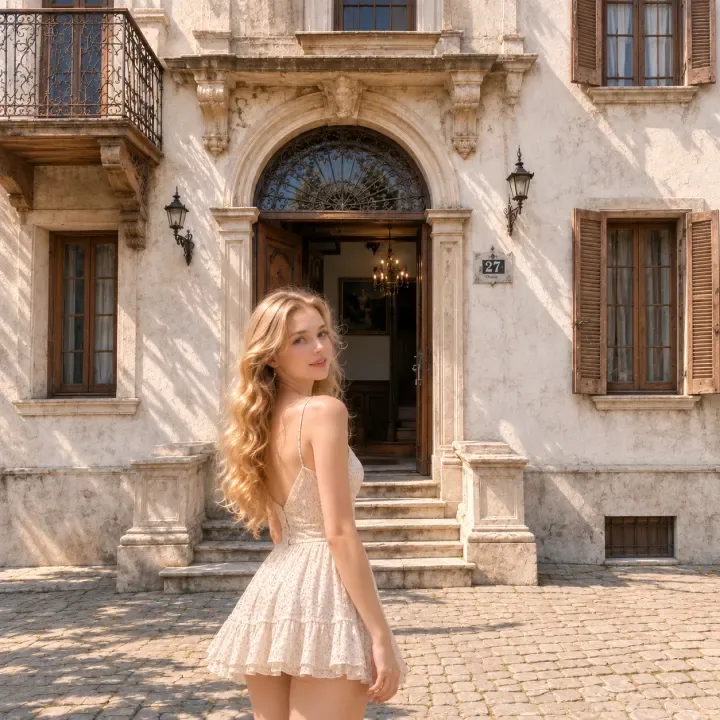
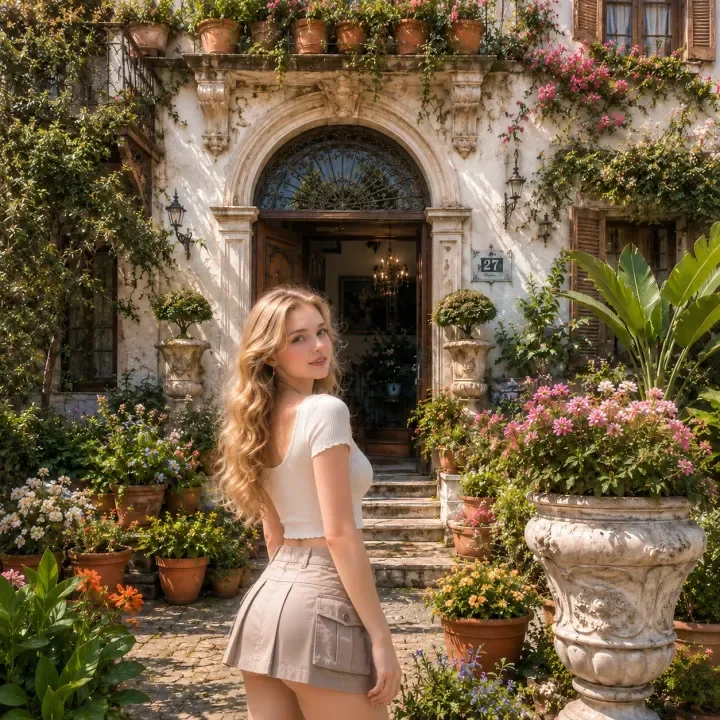
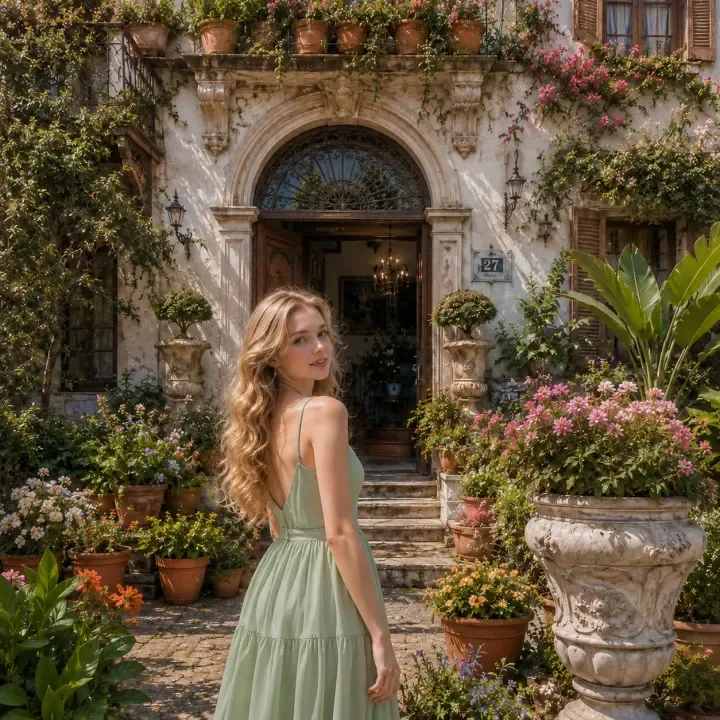
元画像
FastImgとは?
写真から始めるか、テキストから画像を生成して、プロンプトで編集を続けられます。 FastImgは、既存の写真をテキストのプロンプトで編集できる無料のオンラインAI画像エディタです。画像をアップロードし、変えたい内容を書くだけ。同じ被写体を無制限のステップで仕上げ、アカウントなしでPNGとして書き出せます。
AI画像エディタが前の一枚に積み重ねる仕組み
0 1 2 3 4 被写体は一貫したまま、今回変えたいことだけを書きます。どのコマをクリックしても戻れ、そこから新しい編集に枝分かれできます。
AIプロンプトで画像を編集する方法
- 画像をアップロードする
- 変えたい内容を入力する
- AI編集を生成する
- 取り消し、見直し、または以前のバージョンから分岐する
- 完成した画像をPNGで書き出す
生成と編集のツール
継続的なAI写真編集のために
FastImgで編集できるもの
- 写真の背景を差し替える・変更する
- 不要な物を消す
- 画像に物を追加する
- 服装、髪型、光、季節を変える
- ポートレートや商品写真のスタイルを変える
- SNS・広告・商品・クリエイティブ用の画像を作る
FastImgと画像変換ジェネレーターの違い
多くの画像変換(image-to-image)ジェネレーターは、入力画像とプロンプトから一度に新しい結果を1枚作ります。何度も繰り返すうちに被写体や構図、細部がずれていき、戻れる履歴もありません。FastImgは連続編集のために作られています。各ステップは前の結果の上に積み重なり、取り消しや分岐ができる編集チェーンを保持し、仕上げを続けても被写体は一貫したままです。
プライバシーと画像の取り扱い
- アカウント不要
- タイムラインはブラウザのタブ内にあります
- タブを閉じればタイムラインは消えます
- 画像は各編集を生成するためだけに送信されます
対応形式とエクスポート
よくある質問
通常のテキスト生成と何が違う?
通常の生成は毎回ゼロから始まります。ここでは各生成が前の結果を入力にするため、同じ被写体を何度も微調整できます(背景を変える、要素を足す、光を変える)。キャラクターや構図がぶれません。
どんな編集ができる?
背景・光・季節を変える、要素を足す/消す、シーン全体を作り変える。一文で言えることなら何でも。各編集は今の画像に積み重なるので、被写体は見分けがつくまま保たれます。
登録やインストールは必要?
不要です。ブラウザで動き、ワンクリックで PNG を書き出せます。
FastImg は無料?
はい。FastImg はずっと無料で、AI画像編集は無制限、登録もインストールも不要です。
画像は保存される?
いいえ。アカウントはなく、タイムラインはブラウザのタブ内に存在します。閉じれば消えます。画像は各編集を生成するためだけに送信されます。
以前のバージョンに戻れる?
はい。タイムラインが各ステップを保持します。サムネイルをクリックして戻り、そこから分岐できます。